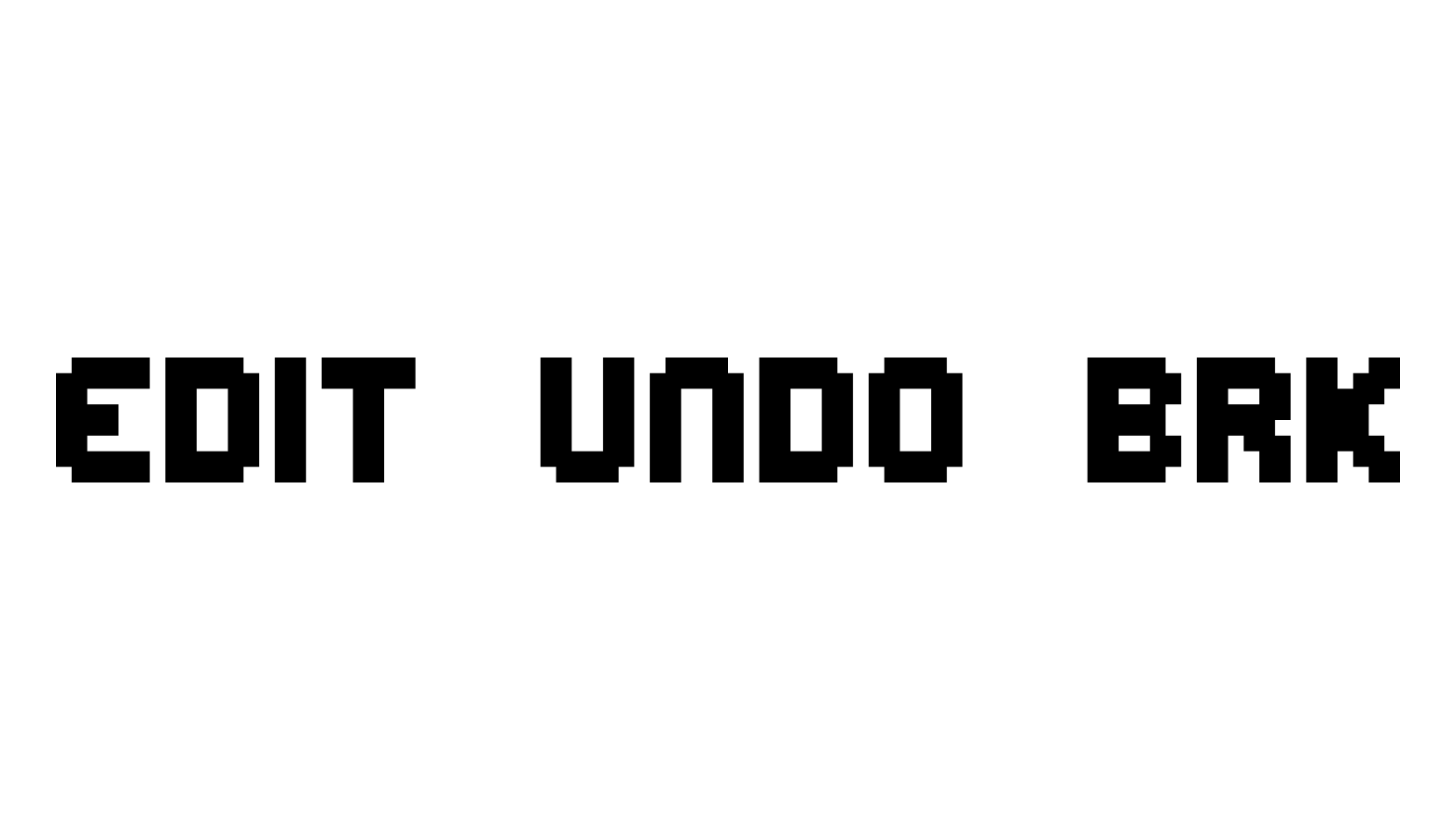
> Here are some Special Characters in this font.
To use them, Press and Hold ALT then type in the 4 Nubmers using the # Pad.
When you release ALT, the character will appear.
ALT+0200 = È = Blank Bulb
ALT+0201 = É = Blank Bulb Dark
ALT+0202 = Ê = Blink Lines
ALT+0203 = Ë = Wire Space 1 ~ (small)
ALT+0204 = Ì = Wire Space 2 ~~ (medium)
ALT+0205 = Í = Wire Space 3 ~~~ (large)
ALT+0206 = Î = End Plug RIGHT
ALT+0207 = Ï = End Plug LEFT
> The Blank Bulbs are bulbs with no characters in them.
> For the Blink Lines, create them first, then type in the character you want to use. Like this:
This makes the word BLINK with the Blink Lines over B, I and K.
\ | / The Wire Space 1,2 and 3 create connecting wires between words.
> The End Plugs are used to place Plugs to the Right and Left of your text (at the end of the wires). Like this: