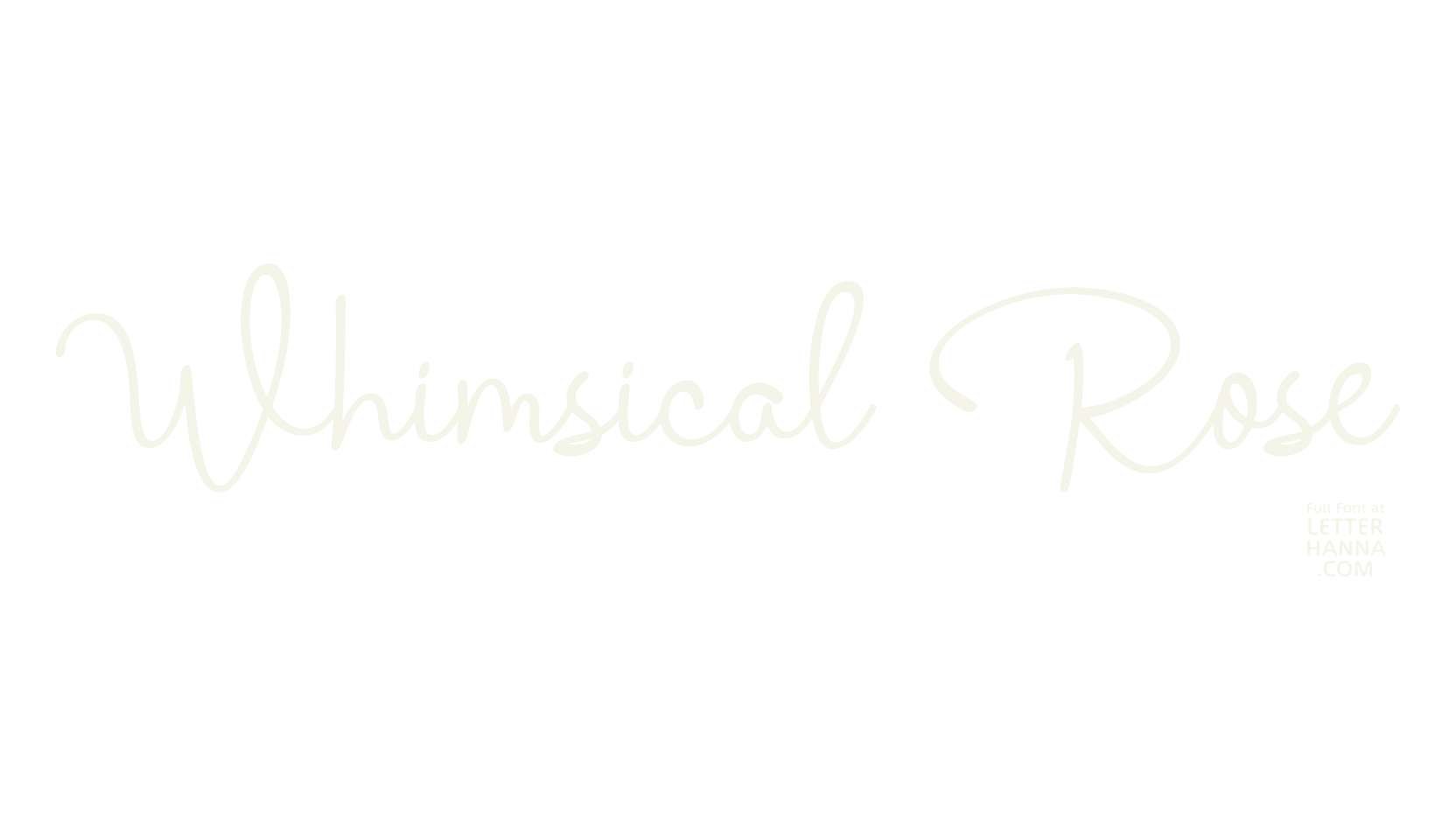
Easy Access to Glyphs and Swashes
Gain easy access to all alternate glyphs, swashes, ornaments, and underlines by simply using ligatures.
You can try them out yourself in the font preview tool on our website, letterhanna.com.
Accessing Swashes and Ornaments
Underline Swashes: Use a hyphen symbol "-" followed by a number between 1 and 30. For example, type "-3", "-22", or "-17" to get various underline swashes.
Head/Beginning Swashes: Use a dollar sign "$" followed by a number between 1 and 9. For example, type "$2" or "$8" to get different head/beginning swashes.
Tail/Ending Swashes: Use a percent sign "%" followed by a number between 1 and 30. For example, type "%3" or "%15" to get various tail/ending swashes.
Ornaments: Use an "at" symbol "@" followed by a number between 1 and 26. For example, type "@4" or "@13" to get different ornaments.
PUA Encoding for Ease of Use, which means you can access all the glyphs and swashes with ease!
Font Features
Uppercase and lowercase letters
Numbers and punctuation marks
Multilingual support
Beginning and ending swashes
Underline swashes
Easy access to swashes using ligatures
Test and get this font at letterhanna.com
Commercial and Free version